
We are a Managed IT and cybersecurity company, so we do not abandon conventional infrastructure when a client still needs it. We support and secure that environment while building a measured path toward DaaS. The goal is not to force a migration. The goal is to reduce endpoint complexity over time and give the business a more predictable way to deliver desktops.
DaaS is not an all-or-nothing migration
A client can have DaaS users, traditional PCs, local servers and specialized applications in the same managed environment. We can support all of it. The difference is direction: when a desktop workload can be delivered more cleanly through DaaS, that is generally where we want to take it.
Why many businesses look at DaaS now
Desktop hardware is still necessary, but many organizations want to get away from the cycle of large endpoint refreshes, inconsistent user experiences and desktops that are difficult to secure and support. DaaS can help shift the conversation from replacing PCs on a schedule to delivering desktops as a managed service aligned with the business.
What businesses often gain from DaaS
- A more predictable desktop model with easier standardization and centralized control.
- Less pressure from hardware refresh spikes, especially when existing endpoint devices can be used longer as access devices.
- Better support for remote and hybrid work with a more consistent user experience.
- Simpler onboarding and provisioning when new users or locations need access quickly.
- Improved security and recovery options because the desktop environment is more centrally managed.
When DaaS makes sense
DaaS is worth considering for businesses with hybrid teams, multiple locations, security-sensitive workflows, contractors, temporary users, seasonal growth, or line-of-business applications that are easier to manage when delivered from a centralized desktop environment.
What to evaluate before moving to DaaS
A good DaaS decision should review application compatibility, internet reliability, identity and access controls, user experience, printing and peripherals, data location, recovery requirements and the real total cost over time.
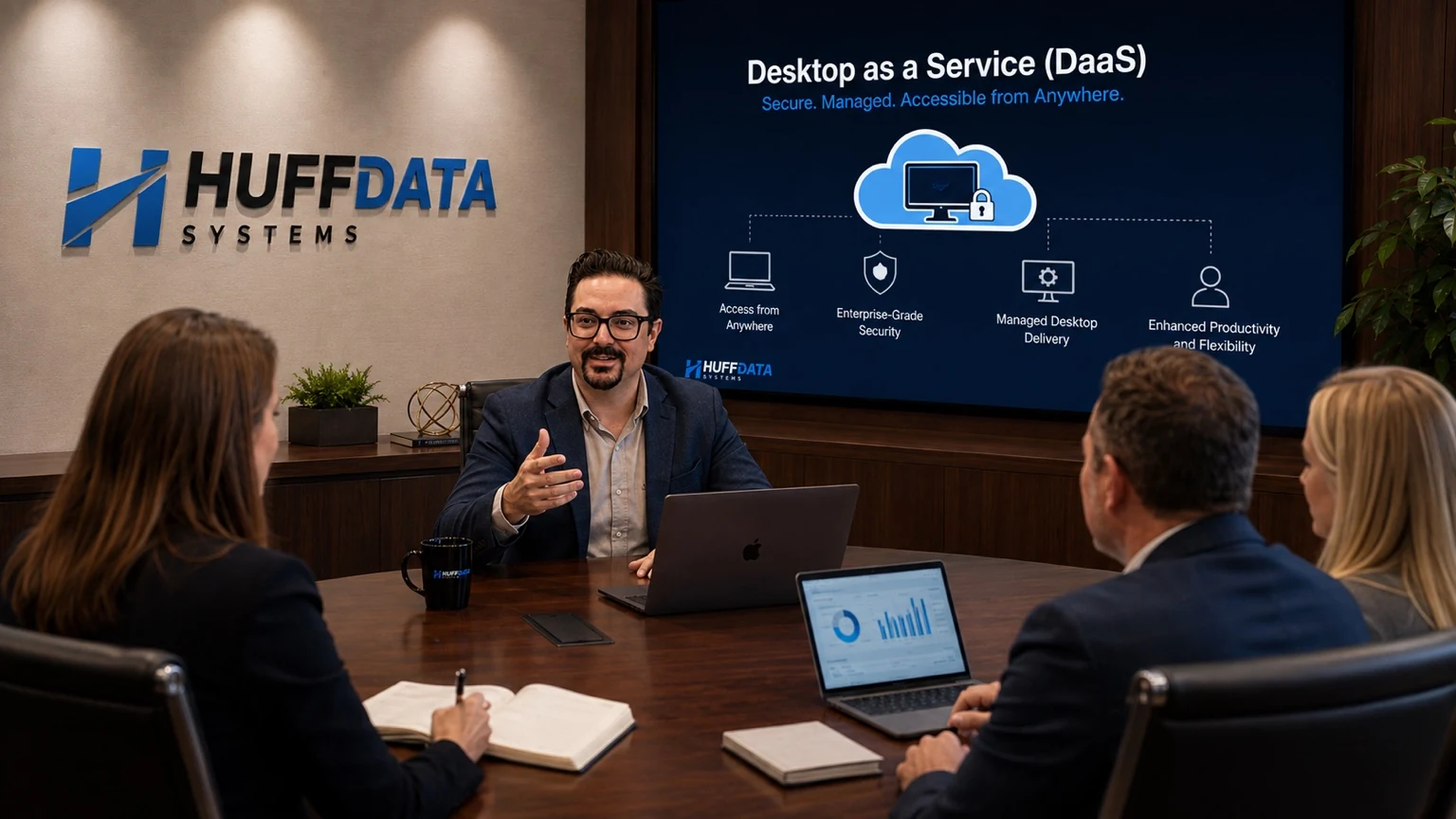
Cloud computing can move applications, desktops, servers and infrastructure from individual business locations into professionally operated data center or cloud environments.
HUFF DATA SYSTEMS provides cloud and private-cloud services, including cloud-based desktops and servers, for businesses that want to modernize how employees access technology.
What Is Desktop as a Service?
Desktop as a Service, commonly called DaaS, delivers a managed desktop computing environment from centralized infrastructure.
Instead of relying entirely on the processing and data stored on a conventional office PC, users connect to a hosted business desktop.
Why Businesses Consider DaaS
Potential benefits can include:
- Centralized desktop management
- Easier remote access
- Faster deployment for some users
- Reduced dependence on individual office computers
- Standardized business desktop environments
- Centralized application management
- Centralized security controls
- Simplified replacement of endpoint access devices
Whether DaaS is the correct architecture depends on applications, performance requirements, connectivity, cost and business needs.
Cloud Servers
Organizations can also move eligible server workloads from physical servers in the office to cloud or private-cloud infrastructure.
Cloud migration should evaluate:
- Application compatibility
- Licensing
- Performance
- Storage
- Latency
- Security
- Backup
- Identity
- Internet redundancy
- Recovery requirements
- Long-term cost
Remote and Multi-Location Work
Centralized desktops can help organizations provide a consistent work environment across multiple offices or remote users.
However, reliable connectivity and secure access remain important parts of the design.
Endpoint Hardware
A cloud desktop can reduce dependence on powerful local computers for applications that run inside the hosted desktop environment.
Businesses still need a physical access device, display and network connection unless they are connecting from another supported device.
Cloud Security
Moving to the cloud does not eliminate cybersecurity responsibility.
Organizations still need to manage:
- User identity
- Authentication
- Permissions
- Endpoints
- Data protection
- Backups
- Logging
- Application security
- Vendor access
Common questions
Is DaaS the same as remote desktop?
Both provide remote access to a desktop environment, but DaaS generally describes a managed cloud-delivered desktop service rather than simply enabling remote access to an individual office computer.
Does DaaS eliminate PCs?
It can reduce the need for traditional high-specification PCs in suitable environments, but users still require a supported endpoint device to access the hosted desktop.
Can every business application run in DaaS?
No. Application compatibility, licensing, performance and peripheral requirements must be evaluated before migration.
Cloud Planning With HUFF DATA SYSTEMS
HUFF DATA SYSTEMS helps businesses evaluate cloud desktops, cloud servers and hybrid architectures.
Victoria: 361-570-7240 Houston: 713-493-2051
Move away from the traditional hardware refresh cycle
Traditional desktop fleets create periodic capital spikes: dozens or hundreds of PCs age at roughly the same time and eventually need replacement. With DaaS, endpoint hardware can often play a simpler role as an access device. That can extend useful life and reduce the need for large, synchronized refresh projects.
There will still be endpoint hardware, and some users will still need higher-performance local devices. The advantage is that the business can make those decisions based on the job instead of treating every desktop as a full standalone computing environment.